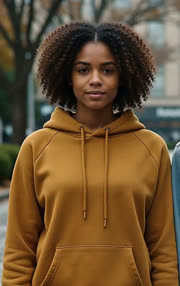
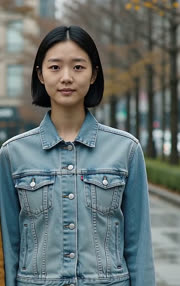
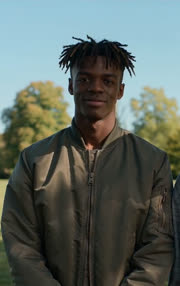
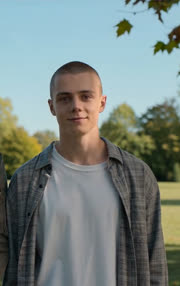
MigosAI lets you create a Hotel Lobby AI video from two photos. Upload two clear, front-facing images, place one character on the left and one on the right, and generate an 8-second 16:9 video set against the warm orange Hotel Lobby-style backdrop.
The generator is built for short social clips: two friends performing, a couple video, a pet or character clip, or a music-style edit of your own photos.
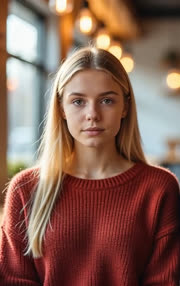
For the best result, use two images with visible faces, even lighting and a simple background, with both people facing the camera. Once your photos are uploaded, press generate and the system builds the clip from those two images.
You can try the Hotel Lobby AI video generator for free. A new account gets one free generation, and every finished video can be previewed, downloaded and shared from the result screen.
What is a Hotel Lobby AI video?
A Hotel Lobby AI video is a short AI-generated clip that places two characters in a Hotel Lobby-style scene — an orange studio backdrop with a single hanging microphone. You create one by uploading two photos; the AI keeps each person's face and builds the performance around them.
Is the Hotel Lobby AI video generator free?
Yes. A new MigosAI account includes one free video generation, and if a generation fails the credit is returned to your balance automatically. The free allowance is counted in generations rather than finished files.
How do I make a Hotel Lobby AI video?
Upload two clear photos, place one character on the left and the other on the right, then generate. The system produces an 8-second 16:9 clip from your two images. You do not need any video editing software.
Can I make a Hotel Lobby AI video with my phone?
Yes. The generator runs in a mobile browser, so you can upload two photos from your phone and create a video without installing anything.
What photos work best?
Use front-facing photos with a visible face, good lighting and a simple background. Avoid group shots, heavy filters and images where the face is tiny or turned away — the model keeps the likeness from the photo you provide.
Can I use the generated video commercially?
Only upload images, music and likenesses that you have permission to use. Check the applicable rights before using a generated video for commercial purposes.
MigosAI is an independent, fan-made AI video tool built with Seedance. It is not affiliated with, endorsed by, or sponsored by Migos, Quality Control Music, or any related artist, label or rights holder. Only upload images and media that you have permission to use.